

Buying Product Bundles
A bundle is a set of related products from one author, sold together at a discount. You get the same full Commercial License for every product in the bundle as if you had bought each one separately, for less money.
Find bundles
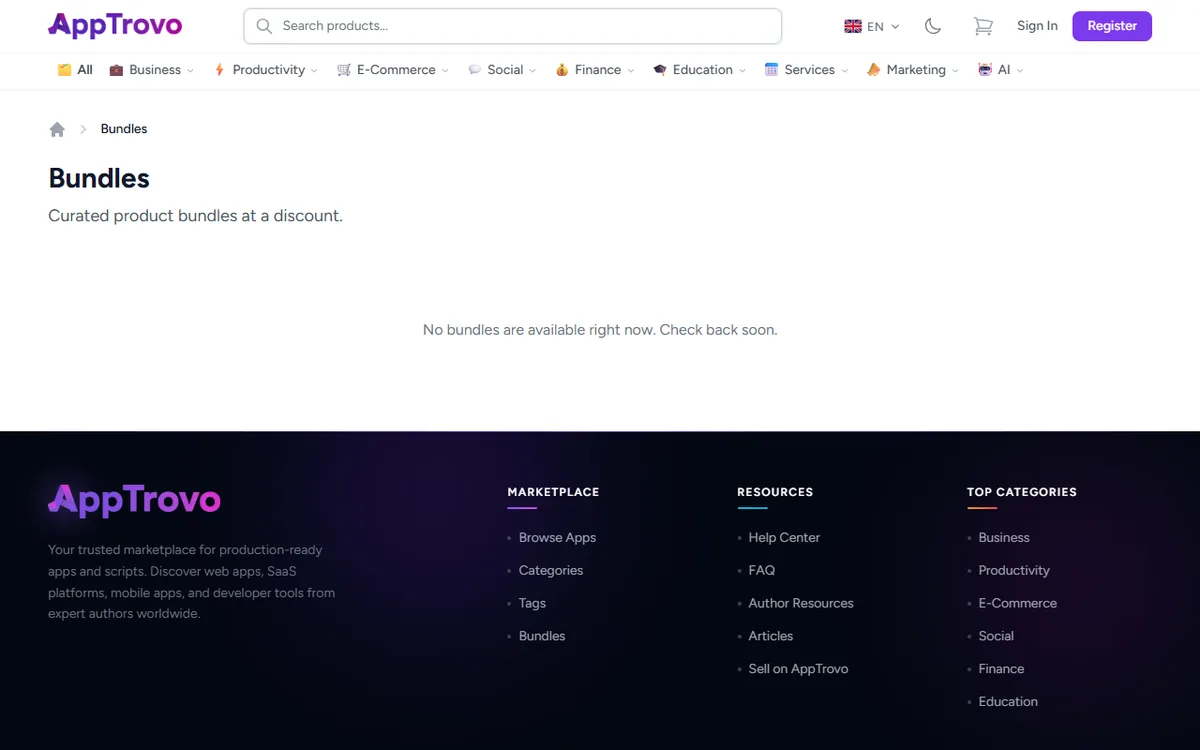
- Bundles page — open Bundles (also linked under Marketplace in the site footer). Each card shows the discount, for example "25% off", and how many products are included. If none are running, the page says No bundles are available right now. Check back soon.
- Product pages — when a product is part of a bundle, a box headed Save with 1 bundle (or the number of bundles that include it) appears under the price. It lists each bundle with its price, the original total struck through, and the percentage you save. Click a bundle to open it.
Authors build bundles from two to five of their own products. Some bundles are only available for a limited time and disappear from the site when they end.
Buy a bundle
- Open the bundle page. It shows the bundle price, how much you save, and an Included Products list with a link to each product page so you can check details, demos and requirements.
- Click Add bundle to cart. You are taken to your Shopping Cart.
- In the cart, the bundle's products are grouped under a Bundle: label with the bundle name. The Order Summary shows a Bundle Savings line.
- Click Proceed to Checkout and pay as usual. See How to Purchase a Product.
If any of the bundle's products are already in your cart on their own, adding the bundle replaces them with the discounted bundle versions, so you never pay twice within one order.
How bundle pricing works
- The discount is shared out across the products in proportion to each product's Commercial License price. Each product line in your cart shows its share of the bundle price.
- Bundles always include the paid Commercial License of each product, never a free Community edition.
- Bundle items come with each product's included support period. The option to add extra support months at purchase is not available on bundle items, but you can extend support later from your order. See Extending Product Support.
- If a product in the bundle is temporarily unavailable, it is left out and the discount is applied to the products that remain.
Rules to know
A bundle is all or nothing
The bundle price only applies when you buy every product in it. If you remove one bundle item from your cart, or click Save for Later on it, you are asked to confirm, and then the whole bundle is removed. Save for Later moves all of the bundle's products to your wishlist. To buy only some of the products, add them individually from their product pages at their regular prices.
No coupons with bundles
Bundle discounts can't be combined with coupon codes. If your cart has a coupon applied, you will see a message asking you to remove it before adding a bundle. If your cart has a bundle, a coupon is rejected with "Coupons cannot be combined with bundle discounts. Remove the bundle first." See Using Coupons and Discounts.
Check what you already own
The bundle price covers every product in the bundle, including any you already own. Buying it gives you an additional license for those products. If you already own several items, compare the bundle price with buying only the products you are missing.
What you receive
- A separate license key for every product in the bundle, listed under Licenses.
- Each product's files under Downloads, with free updates.
- One order under Purchases, where each product is tagged Bundle and shows the price you paid for it.
- A support period for each product that runs independently of the others.
Frequently asked questions
Can I choose which products go into a bundle?
No. Bundles are put together by the author. You can still buy any product individually.
The bundle disappeared from my cart
Removing any one of its products, or saving one for later, removes the whole bundle. Open the bundle page and add it again. If the bundle is no longer listed, it may have ended.
Can I get a refund on a bundle?
Bundle orders follow the normal refund policy. See Requesting a Refund.
Related articles
Was this article helpful?